
메뉴 건너뛰기

POS

Home / POS
Online Order, POS 기능중 선택 하실수 있으며, 2 기능 모두 선택이 가능 합니다.
?

단축키

Prev이전 문서

Next다음 문서

크게 작게 위로 아래로 댓글로 가기 인쇄 첨부
?

단축키

Prev이전 문서

Next다음 문서

크게 작게 위로 아래로 댓글로 가기 인쇄 첨부

closed.png

If you need to temporarily close your restaurant due to vacation, holidays, or other reasons, please follow these steps:

For Canada, go to menuoneca.com/backoffice/merchant/.
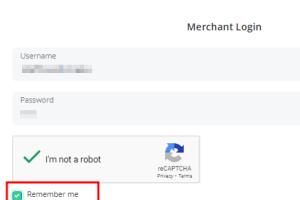
For the U.S., go to menuoneus.com/backoffice/merchant/ and log in.

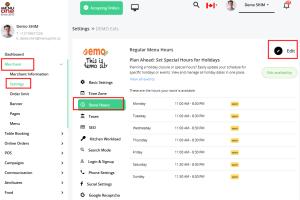
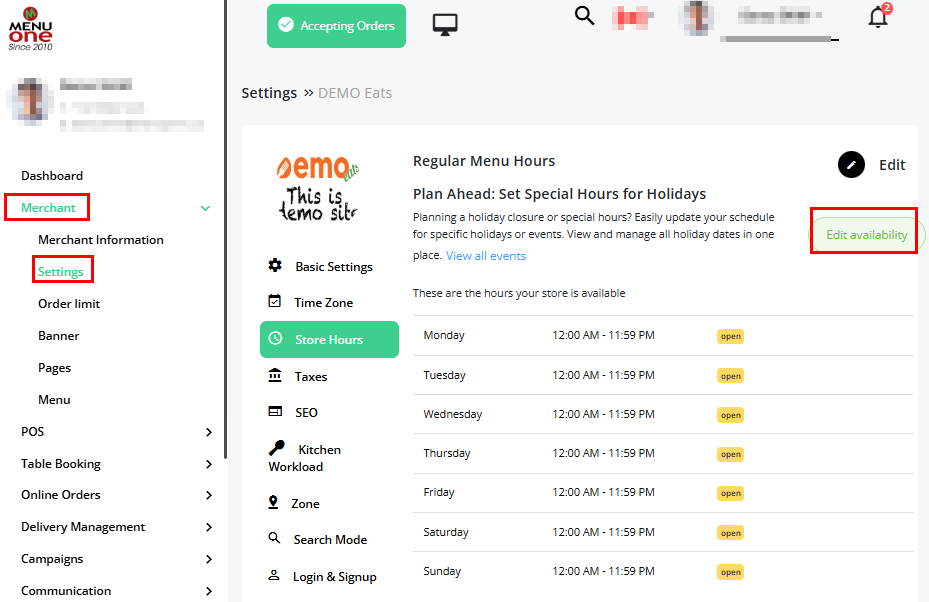
From the left menu, navigate to Merchant → Settings → Store Hours and click the Edit Availability button in the upper right corner.

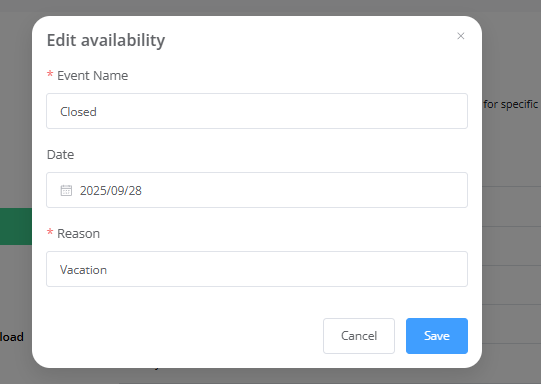
Enter the event name, reason, and date, then save.

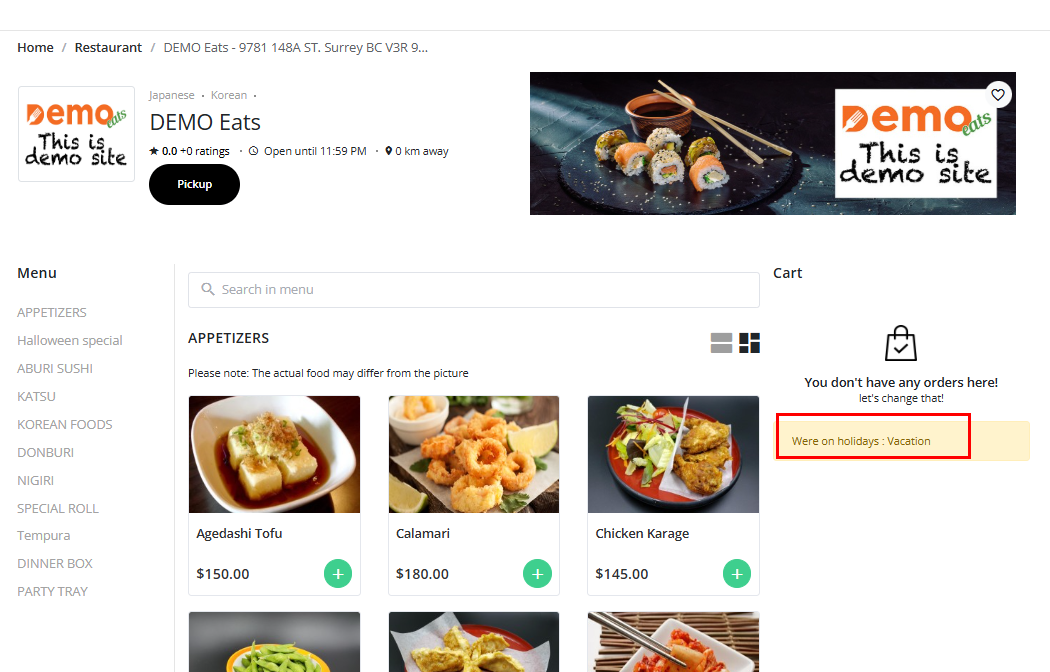
Your customers will then be able to see the closure dates and the reason for the closure.


휴가를 가거나, 공휴일, 사정이 있어 레스토랑을 잠시 닫아야 하는 경우 아래와 같이 처리 하면 됩니다.

캐나다는 menuoneca.com/backoffice/merchant/, 미국은 menuoneus.com/backoffice/merchant/ 방문 하여 로그인 합니다.

왼쪽 메뉴의 Merchant/Settings/Store Hours/ 에서 오른쪽 상단의 Edit Availability 버튼을 클릭 합니다.

그리고 이벤트 이름과 사유, 일자를 지정후 저장 합니다.

고객은 해당 일자에 레스토랑이 문을 닫는 일자와 사유를 알수 있습니다.
 

vacation-01.png


vacaton-02.png


vacaton-03.png


  1. 01-Login 및 온라인 주문 확인

    크롬을 사용한 웹사이트에서 다음의 링크를 방문 합니다. 로그인 정보는 이미 알려 드린것을 사용하며 웹 판넬 및 안드로이드 패드, 모바일 폰에서도 같은 로그인 정보를 사용 합니다. Merchant Web panel Page 컴퓨터, 노트북, 포스용 컴퓨터에서 주문을 받을...
    Views2
    Read More
  2. 02-Holiday Setup (휴일 셑업)

    If you need to temporarily close your restaurant due to vacation, holidays, or other reasons, please follow these steps: For Canada, go to menuoneca.com/backoffice/merchant/. For the U.S., go to menuoneus.com/backoffice/merchant/ and log in....
    Views12
    Read More
  3. 03-영업시간 변경

    컴퓨터에서 https://menuoneca.com/backoffice/merchant 이곳을 통해 로그인을 합니다. 로그인 정보는 주문앱에서 사용 하는것과 같습니다. 아래는 로그인 후의 화면 입니다. 이곳에서 주문 관리도 가능 합니다. 왼쪽의 메뉴를 선택후 Store Hours, Edit 을 선...
    Views11
    Read More
Board Pagination Prev 1 Next
/ 1
©2013 KSODESIGN.All Rights Reserved